
An upholstery manufacturer may cut woven fabric, vinyl, PVC-coated textiles, technical textiles, foam-backed materials, and natural leather in the same week. That does not mean one tool or one workflow is right for all of them.
The best buying process starts with your material mix, job mix, and current production bottlenecks. Use this checklist to compare complete cutting workflows rather than machine specifications alone.
1. Build a real material matrix
List every important material and record:
- – Commercial name and composition
- – Typical and maximum thickness
- – Roll, sheet, or hide format
- – Width and maximum job length
- – Air permeability and surface finish
- – Stretch, directional grain, pattern, and defect considerations
- – Single-ply or multi-ply requirement
Avoid one vague category such as “fabric.” A stable woven textile, elastic knit, porous felt, coated PVC fabric, and irregular leather hide can require different tools, hold-down, feeding, and nesting methods.
2. Describe your production mix
Equipment for hundreds of repeated parts may not be optimized for frequent one-off jobs. Record:
- – Average and peak orders per shift
- – Typical number of parts per order
- – Percentage of samples, small batches, and repeat production
- – Number of material changes per day
- – Longest continuous roll job
- – Current manual steps and rework points
Lectra’s official furniture information distinguishes on-demand, small-series, and higher-volume cutting workflows. The transferable lesson is that batch profile is a design input, not an afterthought.
3. Match tool choice to each material
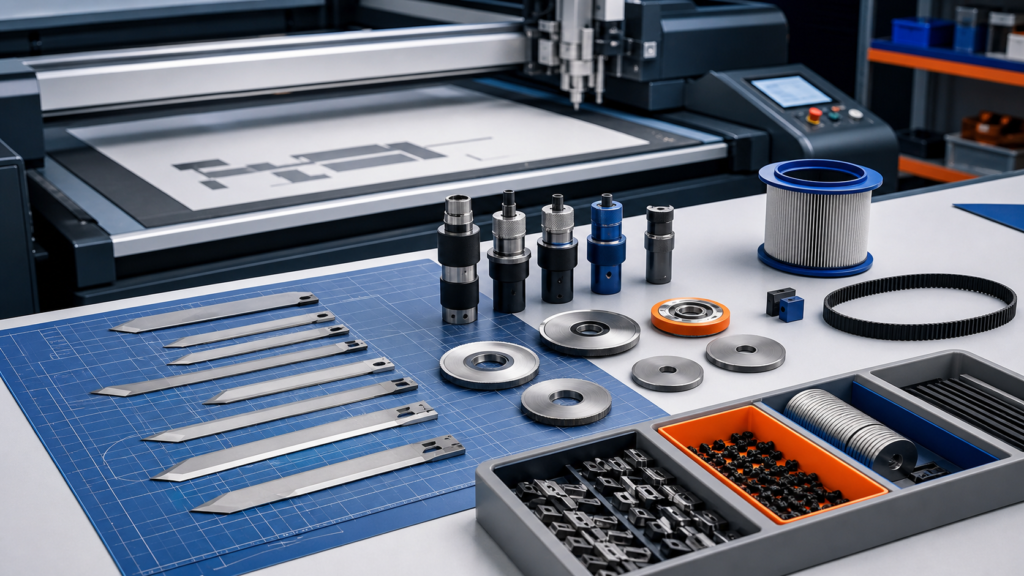
Depending on the material and equipment, a digital cutter may use a driven rotary knife, oscillating knife, drag knife, punching tool, marking tool, or other module. Zünd’s official tool catalog, for example, assigns rotary tools to lighter and technical textiles and oscillating tools to other demanding materials.
This does not define a JEKE configuration. Ask every supplier to document the proposed tool for each material and explain the expected edge, corner, feature size, and consumable life.
4. Test hold-down and feeding as one system
Porous textiles can reduce effective vacuum. Elastic or soft materials can distort during loading. Roll goods can track sideways, develop tension, or wrinkle during long jobs.
A useful demonstration should show:
- – Loading the material from its normal supply format
- – Holding narrow parts and edge regions
- – Advancing a roll without losing alignment
- – Cutting across a splice or representative defect
- – Removing parts without mixing sizes or orders
If an automatic feeder is proposed, test the complete cycle instead of watching only the cutting head.
5. Evaluate nesting and pattern handling
Material utilization depends on more than an “automatic nesting” button. Confirm whether the software can manage:
- – Material width and usable zones
- – Grain or nap direction
- – Plaid, stripe, or printed-pattern alignment
- – Mirrored or paired parts
- – Leather contours and marked defects
- – Order priorities and remnants
- – Manual adjustment after automatic nesting
Gerber/Lectra’s CutWorks documentation describes different nesting modules for plain materials, pattern matching, composites, and leather. This illustrates why the software workflow must match the material—not just import a file successfully.

6. Check file and operator workflow
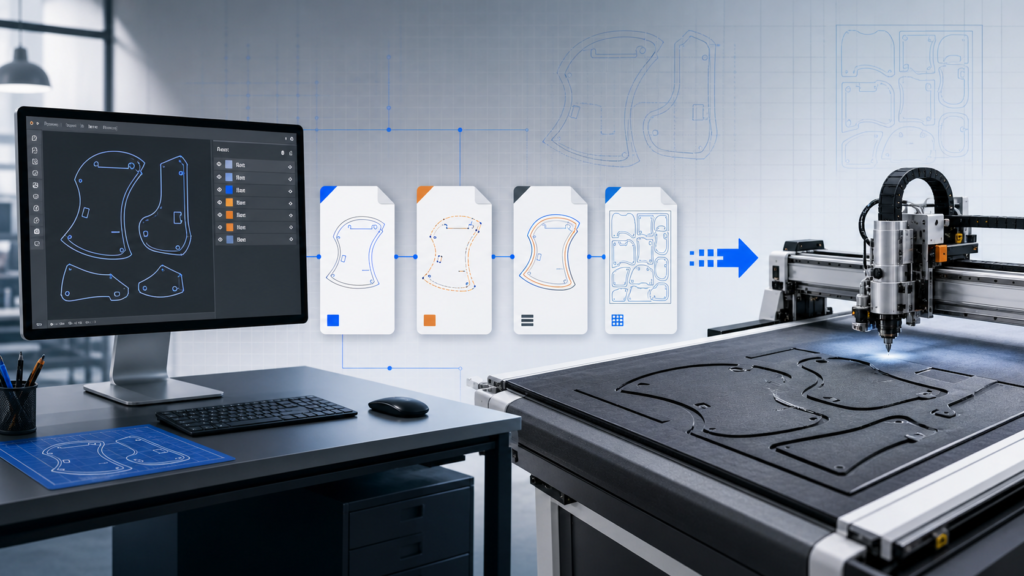
Ask for a live test using files from your current CAD or design process. Record:
- – Accepted file formats
- – Layer and tool assignment
- – Seam allowance and notches
- – Registration marks or camera workflow
- – Barcode and job naming
- – Tool calibration and depth control
- – Operator steps from file receipt to part removal
Count manual interventions. A fast cutting head does not guarantee a fast production process if file cleanup, nesting, tool setup, or unloading creates a queue.
7. Define quality before testing
Prepare measurable acceptance criteria:
- – Dimensional tolerance for critical parts
- – Edge fraying, compression, drag, or marking
- – Notch and hole quality
- – Alignment of patterned parts
- – Consistency from the first part to the last
- – Acceptable material waste
Use the same test files and material lots for every supplier. Keep unedited close-ups and note which result required manual correction.
8. Examine serviceability and downtime risk
End-user discussions about fabric cutters frequently raise software separation, service contracts, uptime, training, and parts support. Before buying, ask:
- – Which parts are consumables?
- – Which maintenance tasks can operators perform?
- – What diagnostic information can be shared remotely?
- – Are software updates included, optional, or chargeable?
- – Which spare parts should be stocked locally?
- – Who handles installation and training?
- – What happens when support crosses time zones or languages?
Request written answers. Do not rely on a general “lifetime support” slogan.
9. Compare total workflow, not headline price
Document capital cost separately from recurring and operational costs:
- – Tools, blades, underlay, filters, and vacuum maintenance
- – Software licenses and updates
- – Training, installation, travel, and service
- – Material used during setup and changeovers
- – Operator time, manual finishing, and rework
- – Planned spare-parts inventory
Do not publish an ROI percentage without your own baseline, time period, material cost, labor data, and production evidence.
Sample-test request template
Send suppliers the material matrix, files, volume profile, required tools, quality criteria, and photos of current defects. Ask them to return the finished samples, full-cycle video, configuration list, consumables, operator steps, and written limitations.

Frequently asked questions
Can one CNC fabric cutter handle fabric, PVC, vinyl, and leather?
Possibly, with the correct tools and workflow, but “supported material” is not enough. Each material should pass a representative test on the proposed configuration.
Is automatic nesting always more material-efficient?
Not automatically. Results depend on part geometry, material width, grain, pattern, defects, spacing rules, and operator control. Compare saved markers using the same job.
Should I choose single-ply or multi-ply cutting?
Choose from order volume, material behavior, change frequency, quality, ply stability, and the complete spreading/cutting workflow. Do not infer multi-ply performance from a single-ply demonstration.
Related JEKE resources
Continue your evaluation with the fabric cutting machine guide, single-ply versus multi-layer cutting, JEKE application and material overview, request a fabric sample test.