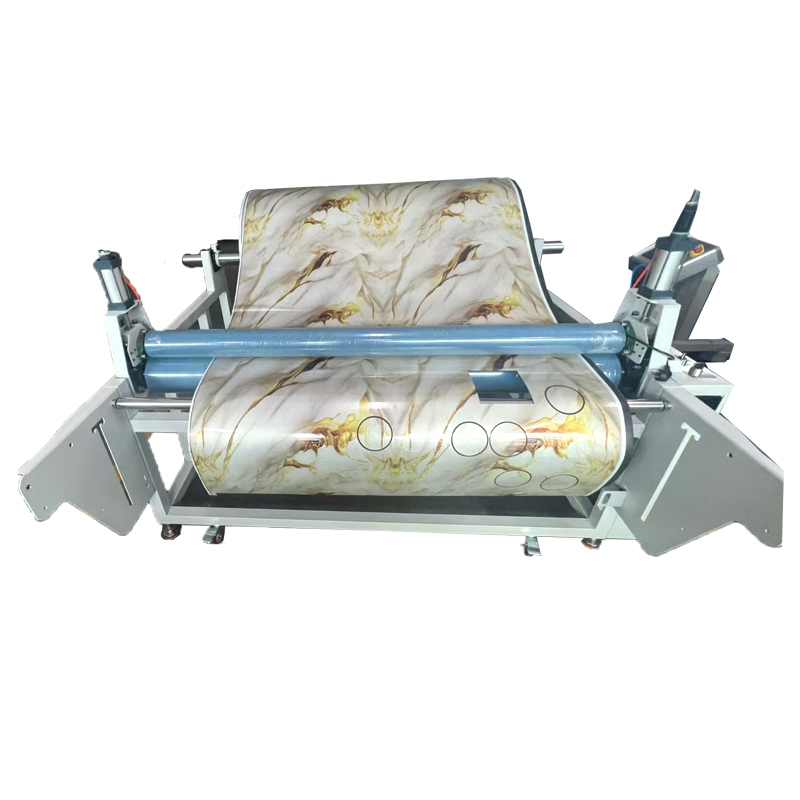
Direct answer: Digitally printed fabric needs camera registration when the cut path must align with printed graphics, panels, motifs or registration marks and normal fabric placement or print distortion could create visible error. A fixed origin may be enough for plain fabric or jobs where print-to-cut alignment is not required. The decision should be based on the allowed visual mismatch, material distortion, job size, repeat variation and registration workflow.
A camera does not improve every fabric-cutting job. It adds value when the cutter must locate what was actually printed, not only where the CAD file expected it to be.
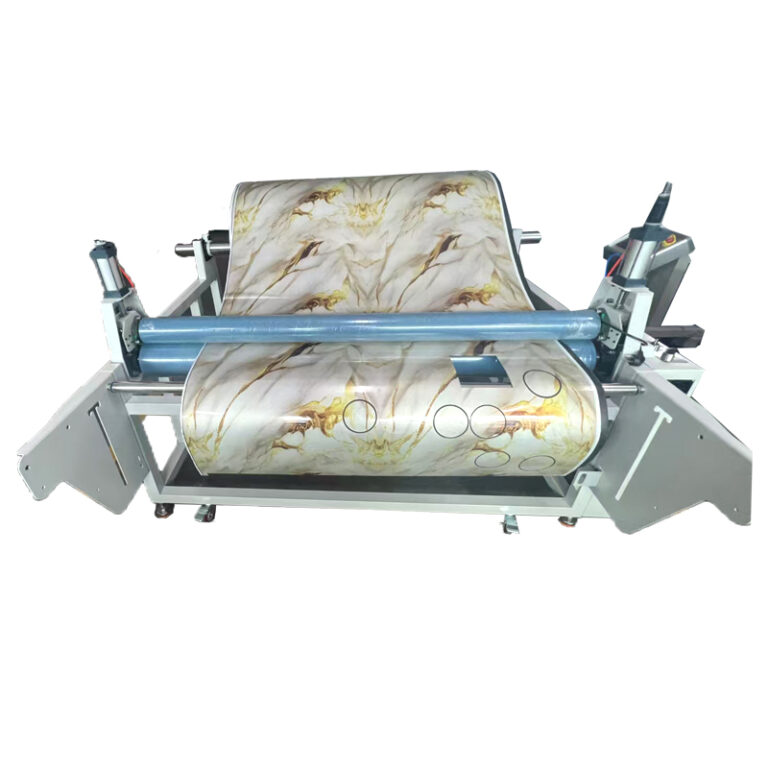
Use camera registration when print position controls part quality
| Job condition | Camera value | What to test |
|---|---|---|
| Printed panels must align with garment outlines | Locates marks or printed features before cutting | Alignment at corners, seams and repeated panels |
| The print stretches or changes scale | Supports translation, rotation and appropriate distortion compensation | Error across the entire image, not only near one mark |
| Fabric is placed with variable position or angle | Reduces dependence on exact manual placement | Normal loading variation and operator workflow |
| Stripe, plaid or motif must match between parts | Captures the actual repeat and material condition | Piece-to-fabric and piece-to-piece matching rules |
| Print contrast or lighting is difficult | May help only if the imaging system can detect the required features | Low contrast, reflective areas, dark colors and production lighting |
| Plain fabric with no visual registration need | Often limited | Whether a fixed origin and stable feeding already meet the requirement |
How the print-to-cut workflow works
- Prepare the print and cut data. The artwork, cut contour, scale and registration features must refer to the same approved revision.
- Print the fabric. Normal production printing, drying, finishing and handling can change position or dimensions.
- Load the material. The fabric must be fed or placed without uncontrolled stretch and with sufficient hold-down.
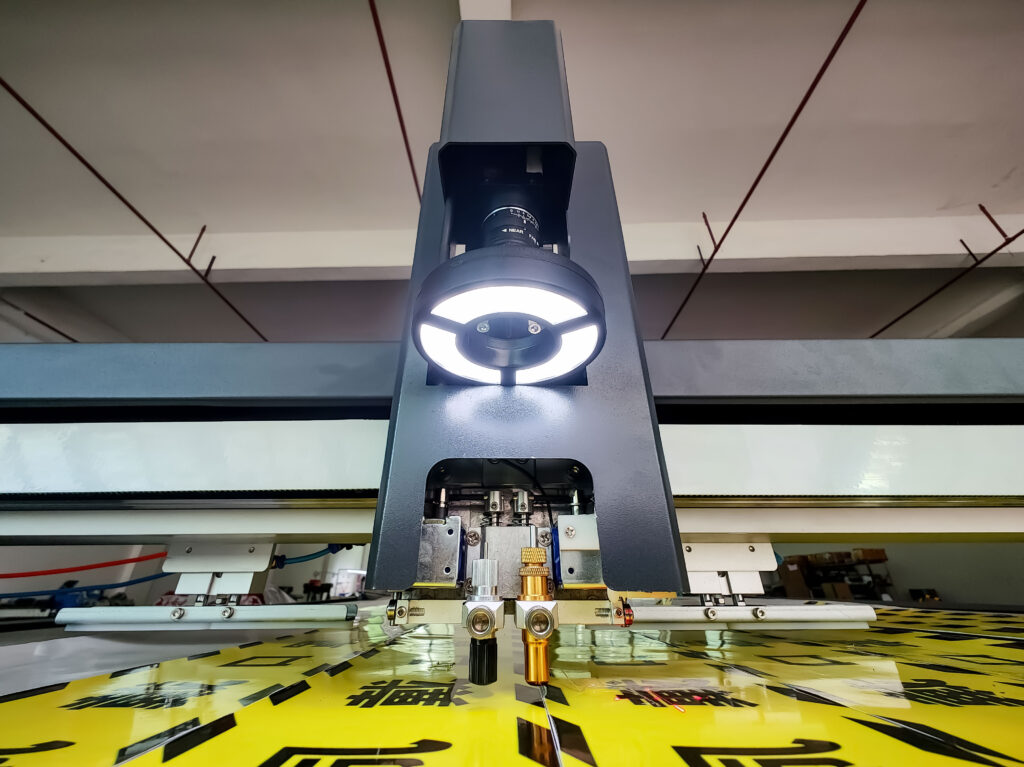
- Capture registration information. A camera reads registration marks, printed outlines, pattern features or other supported references.
- Calculate the relationship. The software aligns the cut file to the captured material using the transformation supported by the system.
- Cut and verify. The first part is checked at multiple points across the working area before production continues.
Official textile-cutting workflows describe camera capture of material position, registration marks, printed outlines, patterns and distortion. The exact method depends on the camera, software and job preparation. A buyer should verify the complete workflow on its own RIP, print file, cut data and fabric.
Registration marks do not solve every distortion
Ask which transformations the system can apply. Simple registration may correct position and rotation. More advanced workflows may compensate for differences in scale or local distortion. If a long textile print stretches unevenly, a few marks at one end may not describe the whole roll.
Build a test with marks and inspection points distributed across the full job. Check the beginning, middle and end of the feed, as well as both sides of the material. Record whether error grows with distance or changes after material advance.
Test the camera under production conditions
| Test variable | Why it matters |
|---|---|
| Registration-mark design | Size, contrast and spacing affect detection |
| Fabric color and print density | Dark, low-contrast or busy graphics can hide references |
| Surface and lighting | Reflection, shadows and changing ambient light can affect imaging |
| Roll tension and skew | The camera cannot create a stable cut if feeding continues to distort the material |
| Job length | Short sample accuracy may not represent a long repeating job |
| Cut tolerance | A visible garment panel may need a different standard from a hidden component |
| Failure handling | Operators need a defined response when a mark is missing or misread |
What to include in a printed-fabric test file
- Several registration marks across the useful area.
- Long straight edges and curves that reveal scale or skew.
- Seam locations where print continuity matters.
- Repeated motifs that can expose cumulative error.
- Small printed features near the allowed mismatch limit.
- A known measurement grid for comparing the print and cut.
When fixed-origin cutting may be enough
A camera may not be necessary when the material is plain, the print does not need to align with the cut, the fabric is positioned reliably, and the existing origin-based process meets the buyer’s tolerance. Adding vision without a defined registration problem increases cost and workflow complexity without proving value.
Compare fixed-origin and camera-assisted results on the same job. Measure rejected parts, setup time, operator intervention and alignment across the complete material length.
For configuration context, read the printed-fabric CCD camera cutting guide, camera positioning guide for printed materials, and JEKE application and material overview.
How JEKE can support a print-to-cut evaluation
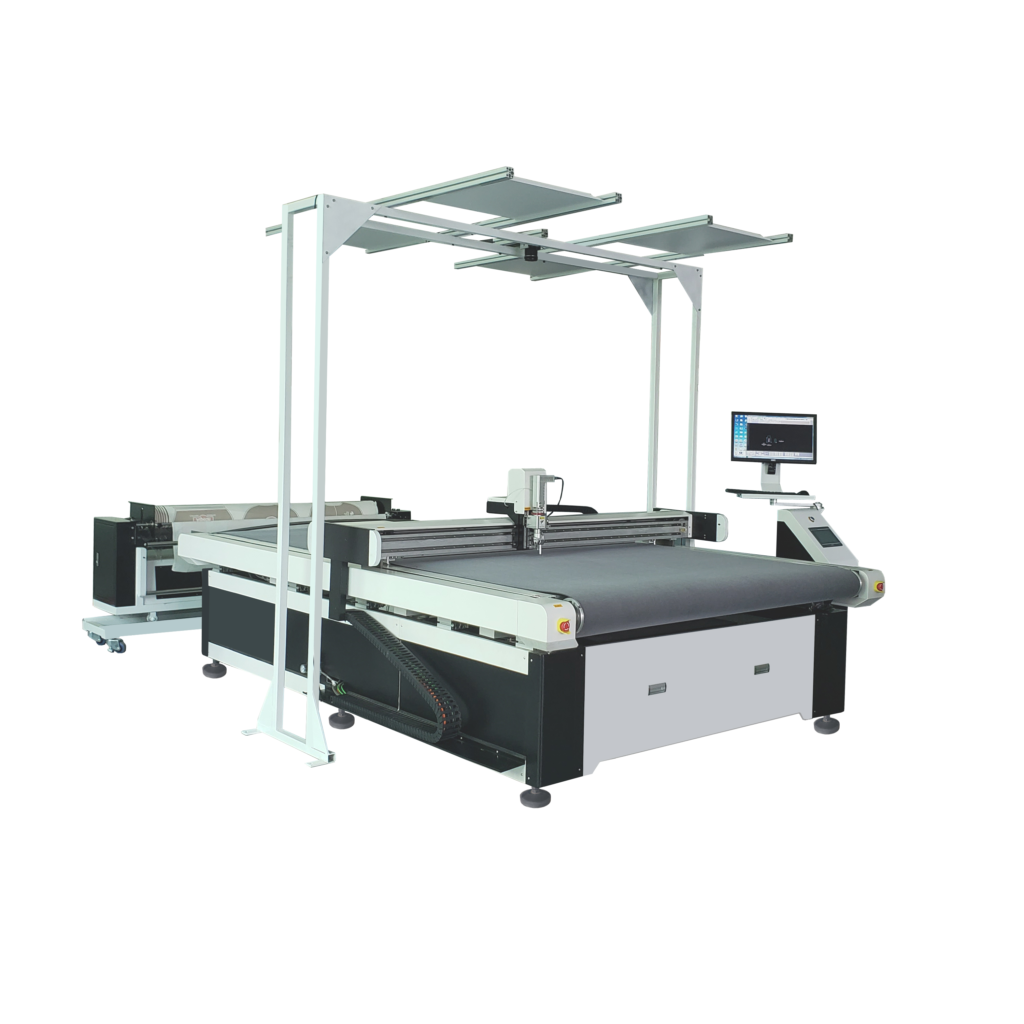
JEKE digital cutting systems can be configured with visual positioning for suitable applications. Compatibility depends on the camera configuration, software, registration method, print contrast, material stability and required alignment. It should be confirmed with the buyer’s real printed fabric and data workflow.
Test your printed fabric with JEKE by sending the printed sample, artwork, cut file, registration marks, usable roll width and allowed visual mismatch.
Frequently asked questions
Does a camera improve the machine’s mechanical cutting accuracy?
A camera helps align the cut path to the actual print or material position. It does not replace stable mechanics, correct calibration, adequate hold-down or a valid cut file.
Can a camera cut printed fabric without registration marks?
Some systems can recognize printed outlines or patterns, but capability depends on the software and image. Test the exact artwork and do not assume mark-free recognition is universal.
How many registration marks are required?
There is no universal count. It depends on job size, distortion, camera method and software. The marks must provide enough information to control the allowed alignment error across the useful area.
Can camera registration fix fabric stretch during cutting?
It may compensate for captured distortion within the supported workflow, but it cannot prevent new uncontrolled movement after capture. Feeding, tension and vacuum still need to be stable.
Sources and further reading
- Zünd: Camera capture, registration marks, printed outlines and textile pattern matching
- Zünd: Registration methods for contours, graphics, fabric patterns and hide shapes
- Zünd: Over Cutter Camera registration and distortion-processing overview
Last reviewed: August 20, 2026.