Embark on a journey of knowledge as you navigate through our rich collection of articles.
Reflective Film Cutter Troubleshooting: Tracking vs. Registration Failures
10/16/2026
Amanda Ye
First decide whether the material is moving incorrectly or the machine is failing to read registration marks. Tracking and registration can interact, but they are different fault branches. Preserve the failed job, settings, material, and evidence before changing parameters.
Stop and classify the symptom
Record whether you see skew, slipping, sagging, wrinkling, tool drag, blade damage, mark-reading failure, or a contour offset. Save the file and current settings, label the failed sample, and capture an unedited video of the material path and error.
Branch A: material tracking problems
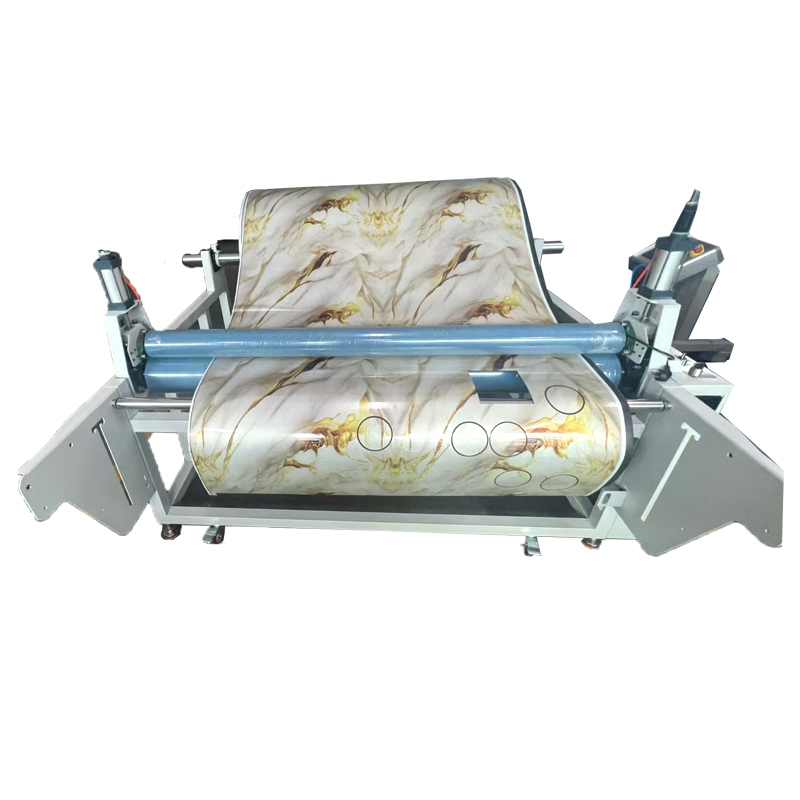
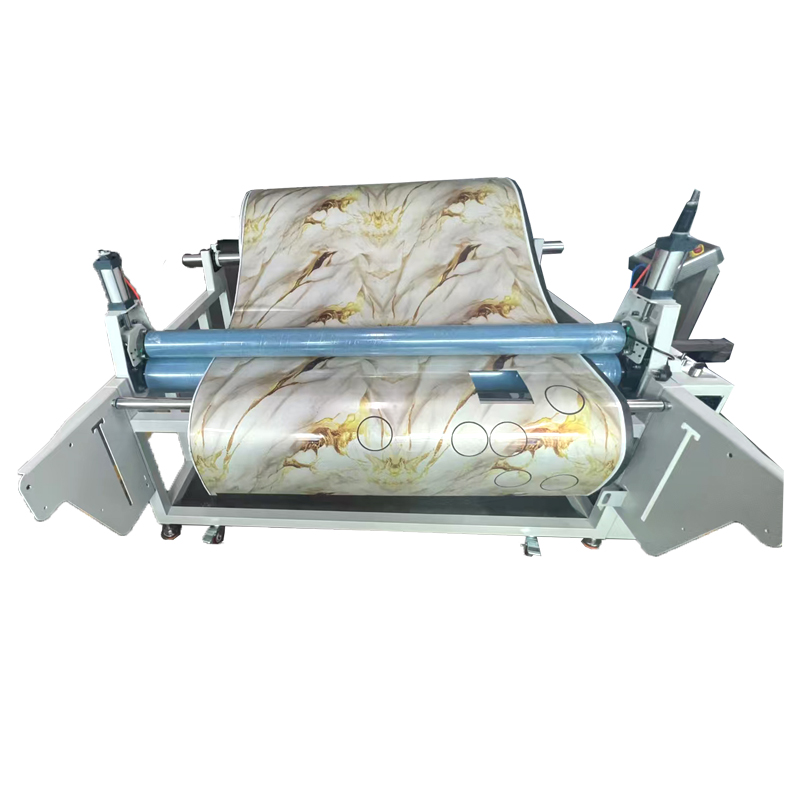
Inspect roll support, loading alignment, drive or pinch contact, tension, liner condition, curl, contamination, and free movement through the complete path. Tool drag or an unsupported heavy roll can change tracking. Stop if the blade or machine may be damaged; do not compensate blindly with more force.
Branch B: registration-mark problems
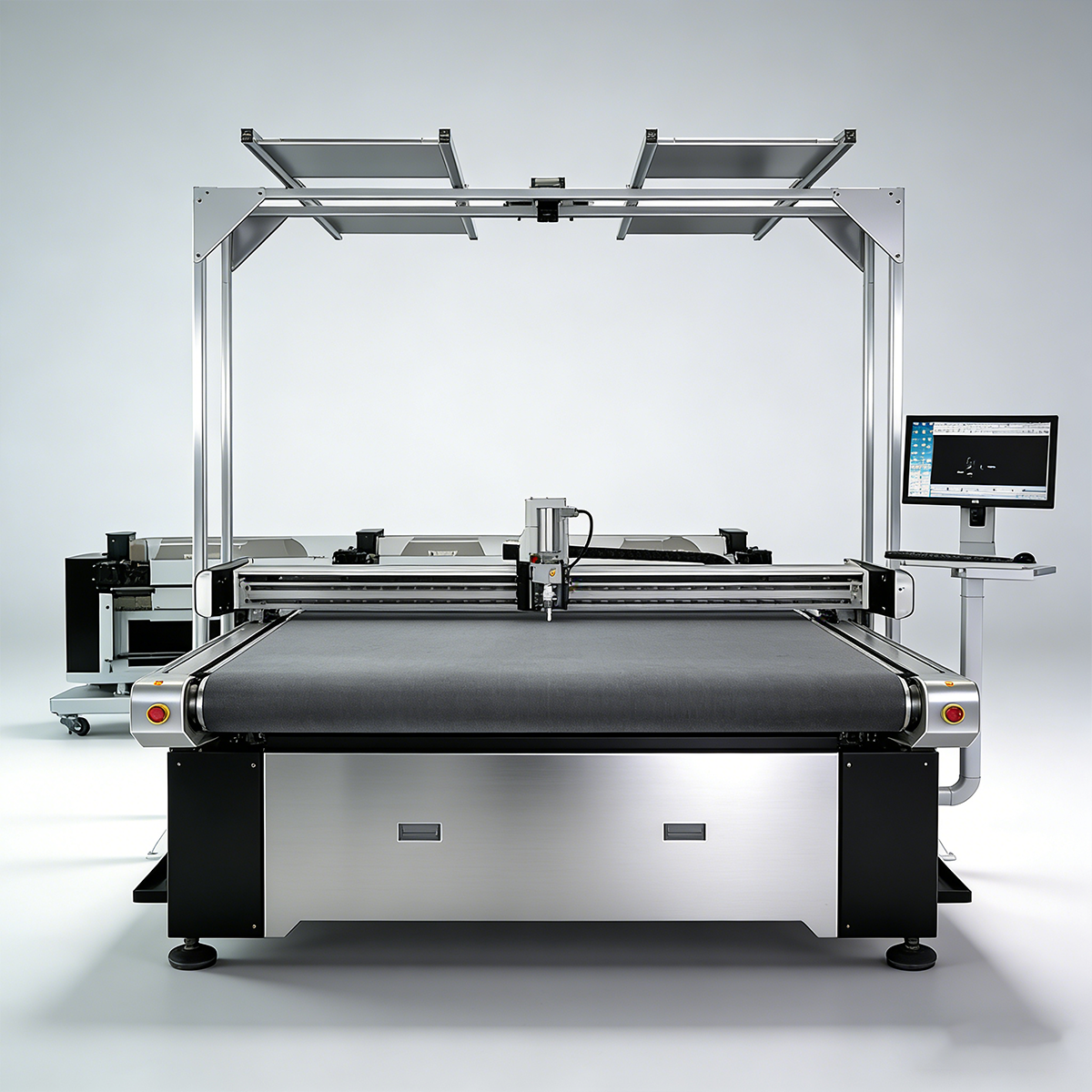
Check mark design, print contrast, glare, sensor cleanliness, calibration, scale, file version, and software or firmware state using the exact machine manual. Reflective glare may affect some sensing systems, but the effect and remedy must be verified for the specific device.
Symptom
First branch
Evidence to collect
media walks sideways
tracking
roll path, tension, contact video
wrinkles or slips
tracking
liner, support, loading
marks not detected
registration
mark image, glare, sensor, error log
contour offset
both
file scale, tracking, calibration
blade damage
stop/escalate
blade, holder, material, settings
Change one layer at a time
Use a known-good control material and file. Test material and mechanical checks before unrelated parameter changes. Record every change and return safely to the documented baseline before the next test. Do not reset, update, or recalibrate without the correct manual and a recoverable backup.
Know when to escalate
Escalate when there is repeated tool damage, unsafe movement, unexplained parameter loss, suspected hardware failure, or no authorised recovery procedure. Provide configuration, serial/model, material, file, settings, logs, photographs, video, recent changes, and steps already attempted.
Frequently asked questions
Can reflective glare affect mark reading?
It can affect certain optical workflows, but confirm the exact sensor, mark rules, material, lighting, and approved calibration procedure.
Can tracking problems break blades?
Material movement or excessive drag can contribute to tool stress. Stop the job and inspect the complete setup rather than treating breakage as a normal adjustment issue.
Should parameters be reset first?
No universal order is safe. Preserve settings and evidence, use the machine-specific manual, and make reversible checks before resets or updates.
Next step
Send JEKE the exact configuration, material, file, error video, settings, and change history for a technical triage. Remote resolution is not guaranteed.