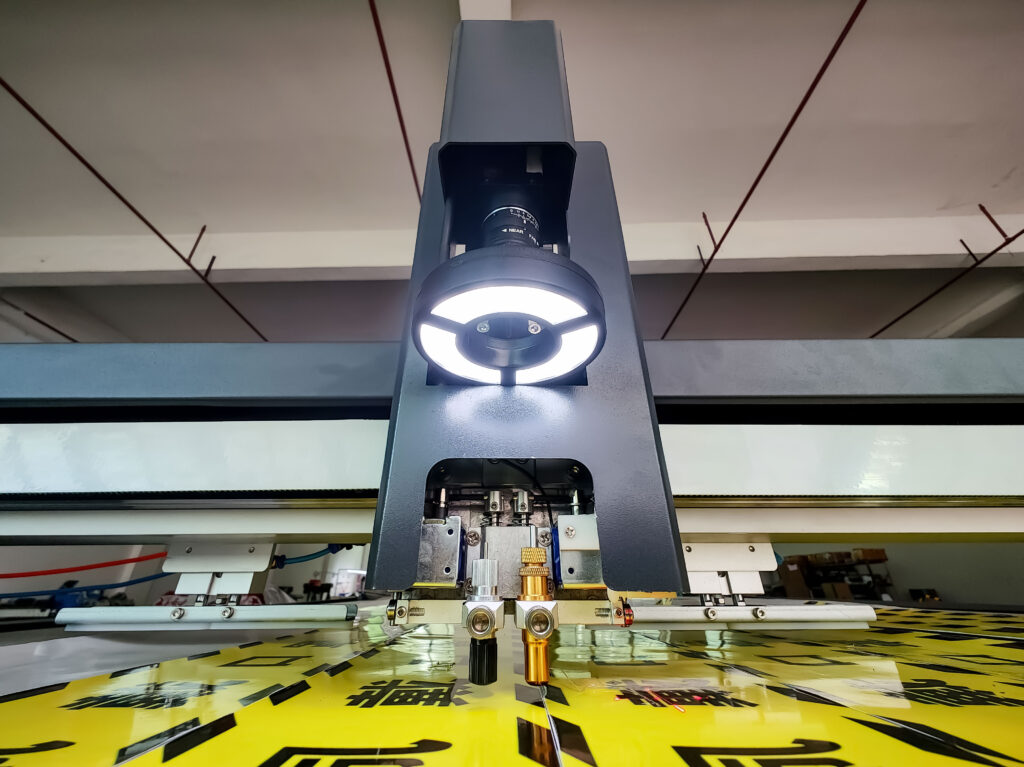
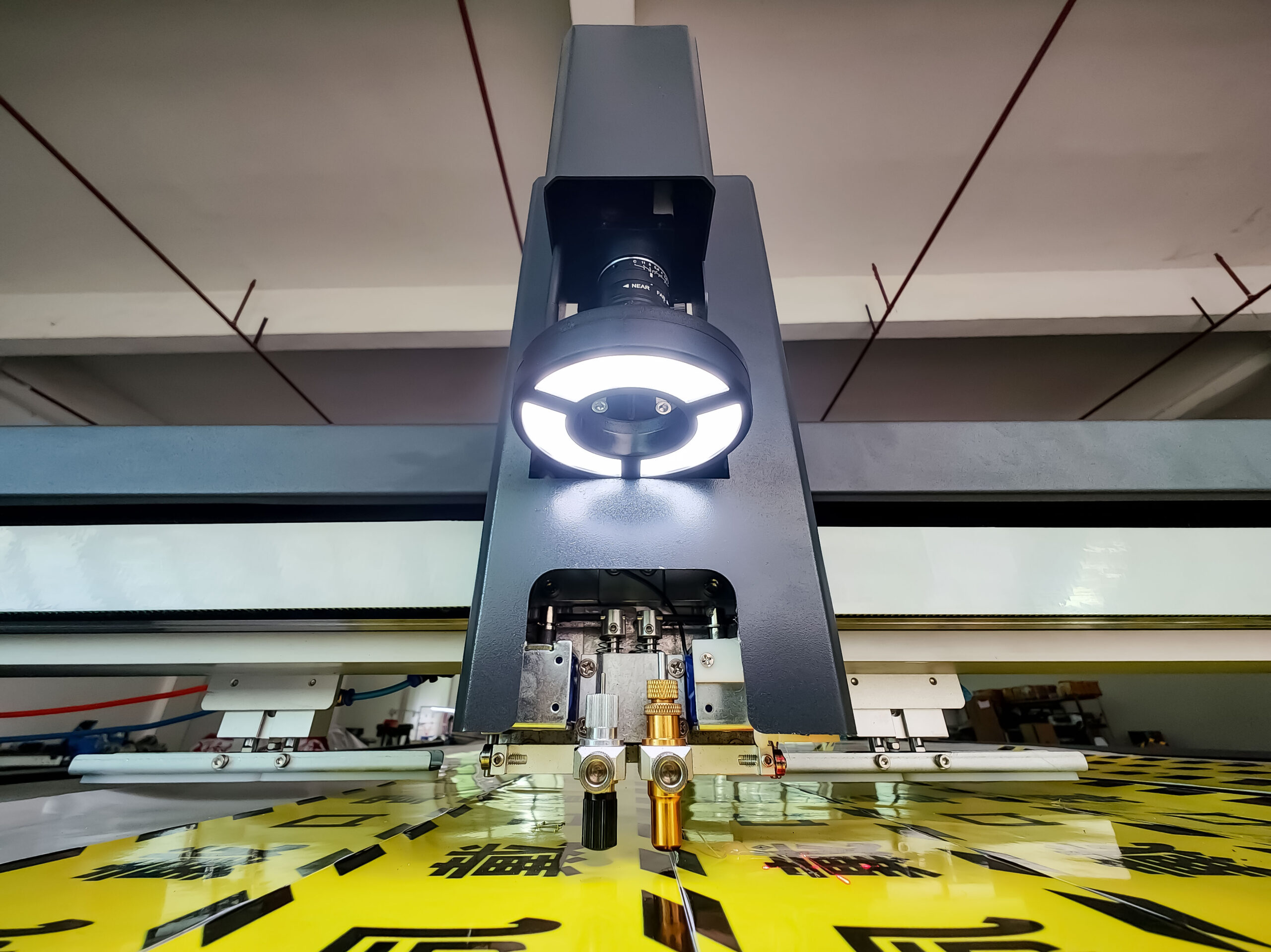
For a silicone edge graphics lightbox, cut to a pattern built for the frame and finishing method. Register that cut path to the printed artwork and measure the fabric after it relaxes. Approve the piece after the silicone strip is sewn and installed. A perfectly registered cut can still produce a loose or overly tight graphic if the finishing allowance is wrong.
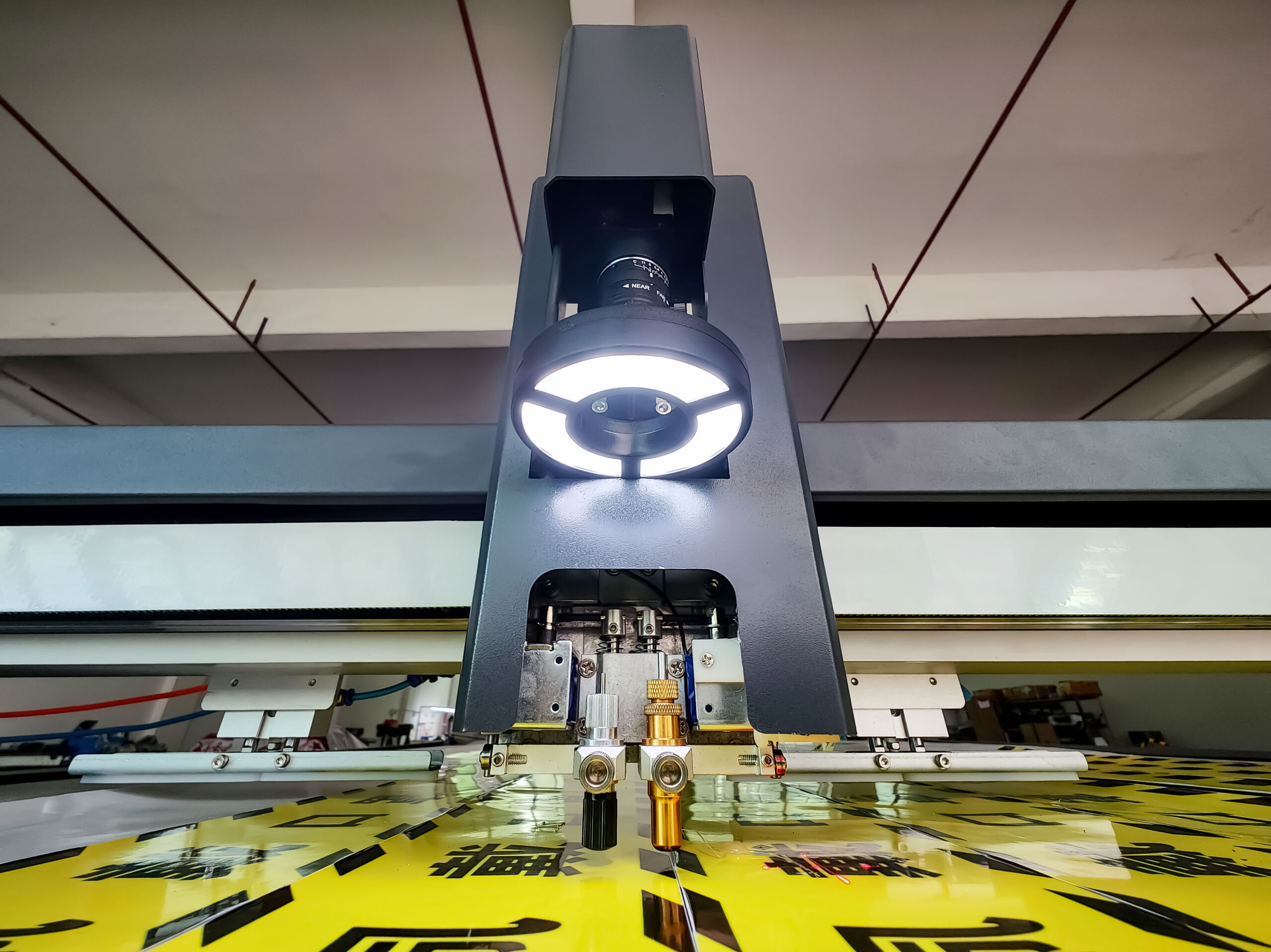
Separate print, cut and sewing allowances
| Where to measure | What it tells you |
|---|---|
| Print references before cutting | Whether the print process changed the size or skewed the artwork |
| Relaxed cut blank | Whether cutting and feeding produced the intended dimensions |
| Seam after applying the strip | Whether stitching and handling changed the effective size |
| Graphic installed in the target frame | Whether corners, tension and artwork position pass in use |
Confirm the frame opening, not just the catalog frame size. Check the fabric’s stretch in both directions and whether the supplier specifies a fabric orientation. Use the allowances from an accepted assembly, or build an approval sample before committing to a run. A single adjustment applied to all sizes and fabric lots can hide two different problems.
Run a full-size graphics trial
Use visible reference features near the corners and along a long side. Compare their positions with the print file before cutting, then measure the cut edges after release. Apply the silicone strip and fit the graphic in its intended frame. Look for low tension in the center, corners that pull out, and artwork shifted toward one edge when the lightbox is on.

Repeat the trial across the run
If you cut from a roll, compare the first and later graphics and note any drift between advances. Save the accepted print and cut files together. That record tells the next operator which correction belongs to the printer, the cutter or the sewing station.
Related equipment and application guides
Explore the JEKE digital cutting machine range and material application overview. For the related decision, read How Do You Contour Cut Double-Sided Printed Boards Without Misaligning the Back?.
Check your lightbox workflow with JEKE
Ask JEKE about a print-and-cut evaluation. Send the frame opening, fabric, artwork, cut file and silicone strip placement specification. Contact JEKE to discuss the trial and request a configuration quote.