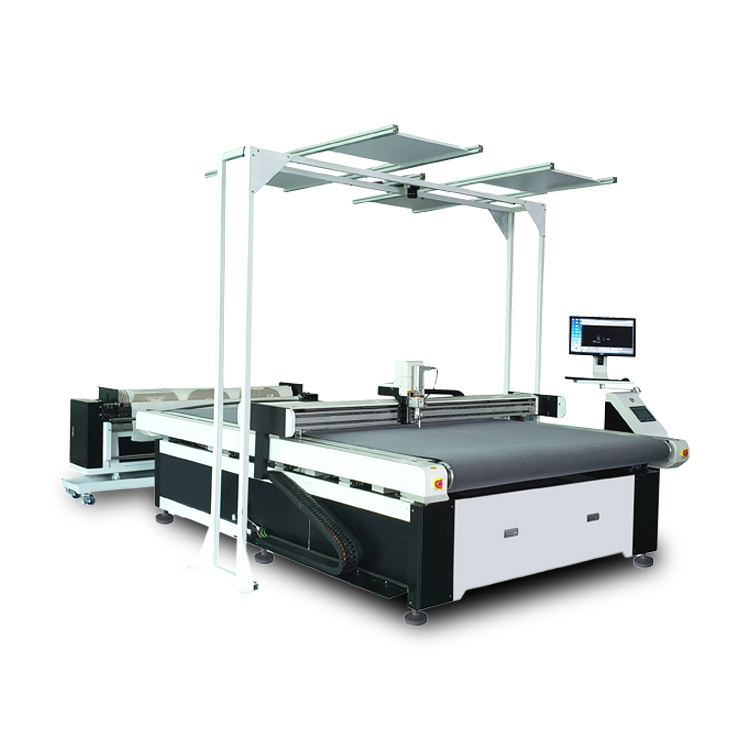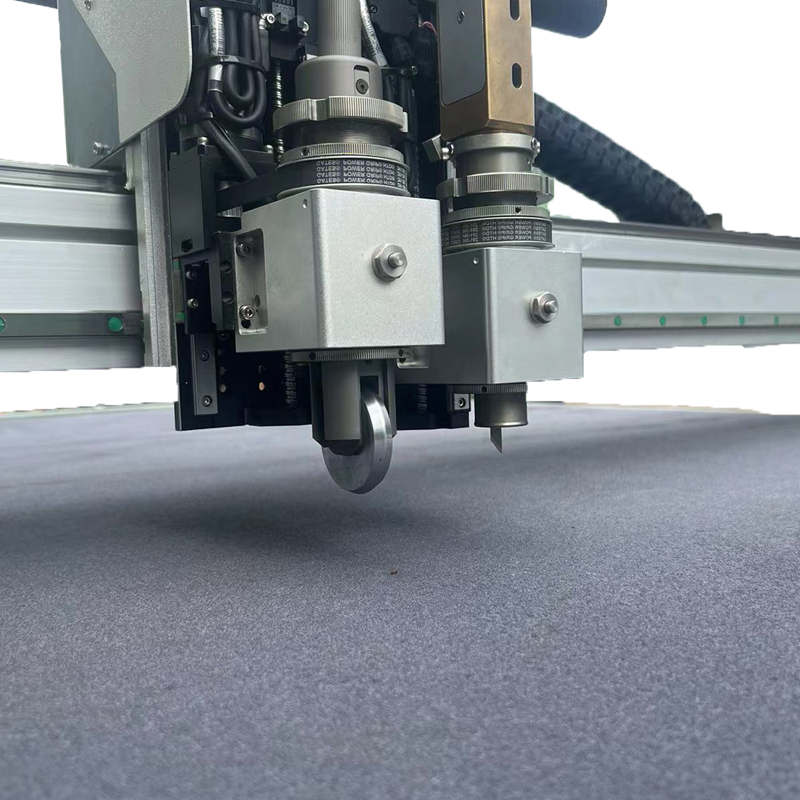
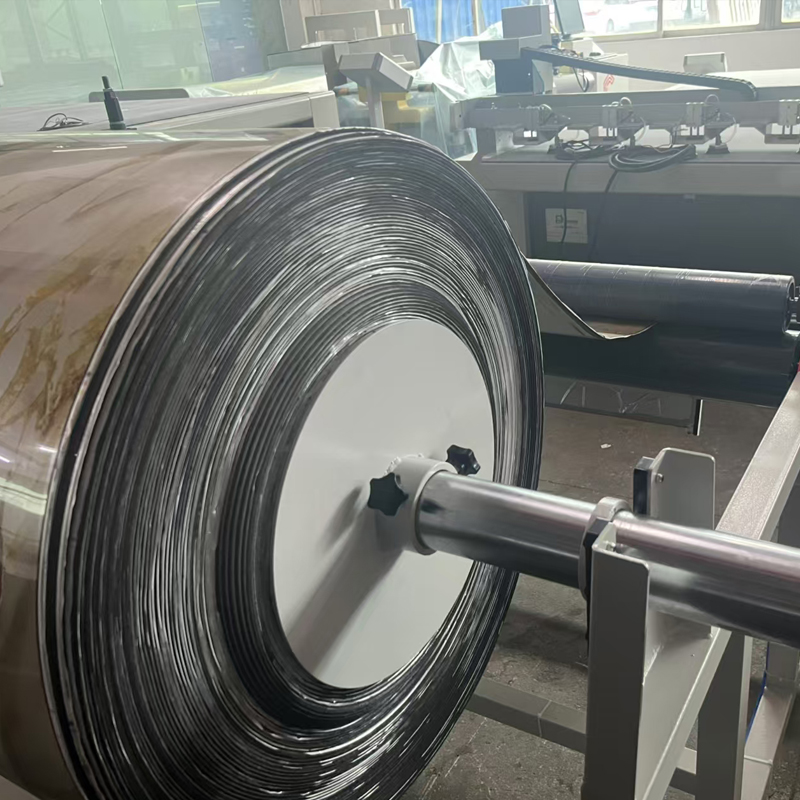
Register the printed decals to the physical marks on the laminated web, not just to the original repeat length. First check whether mark spacing changed during lamination or the web slipped during cutting. A single origin correction can fix a uniform shift; it cannot fix an error that grows as the roll advances or differs from one edge to the other.
Measure the same web before and after lamination
Print paired checkpoints down both sides of a sacrificial run. Measure the lengthwise spans and cross-web distances as printed, then repeat after lamination with the same support and minimal measuring tension. Use the planned storage interval before cutting and note any curl, wrinkles or unreadable marks. Photograph the measurements and label the web’s lead and tail. If a nominal 1,000 mm span measures 1,001.2 mm after lamination and a long cut still follows the nominal scale, it may miss by about 1.2 mm at the far mark when aligned at the start. That example describes uniform scale error; it does not model local bow or feed slip.
Check both sides independently. A similar change on both edges suggests a lengthwise scaling issue. Different spans on the two edges call for a closer look at skew or uneven deformation. Unchanged spacing off the machine with errors that vary between runs makes web tracking and hold-down worth checking.
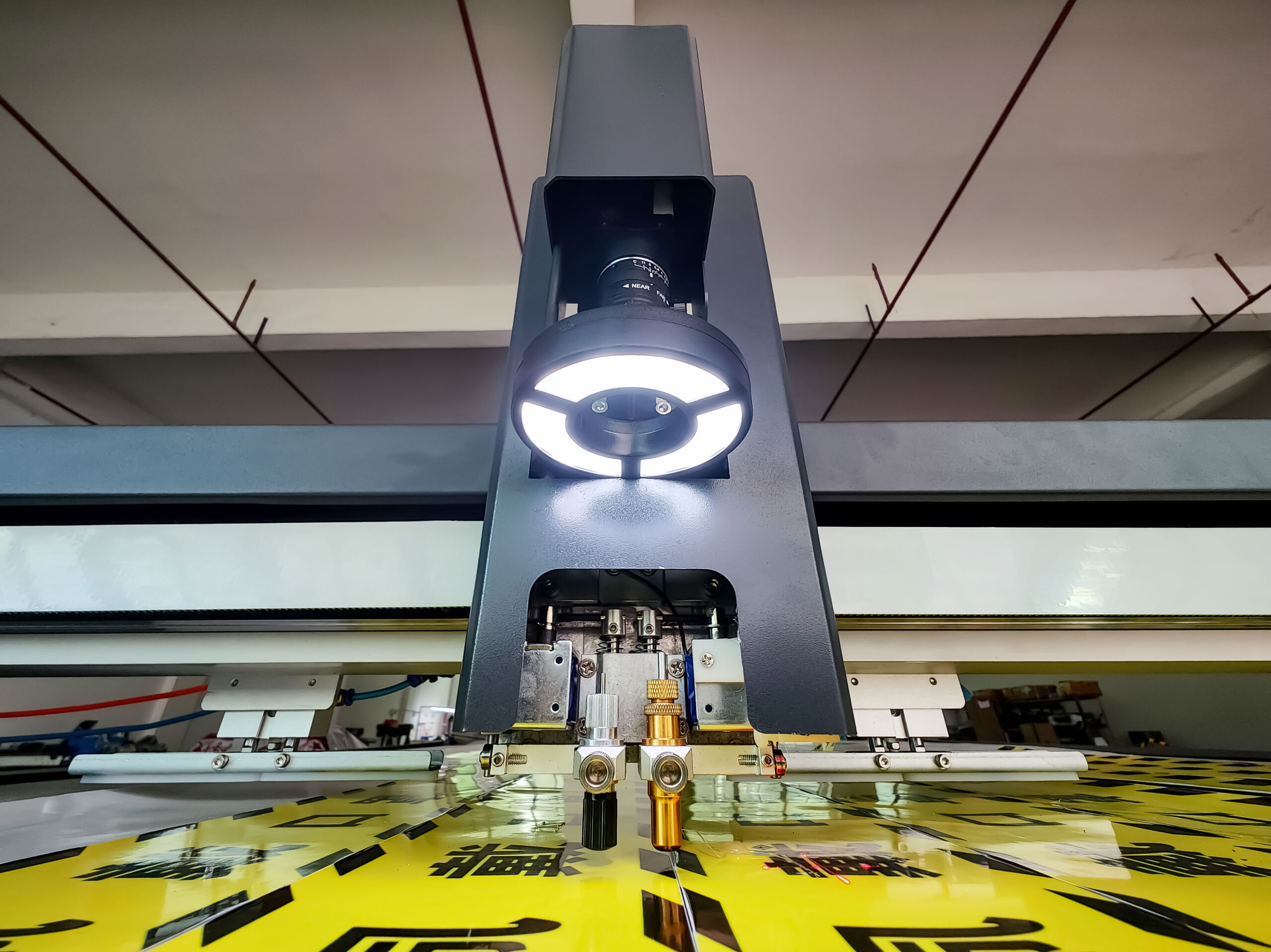
Trial shorter registration panels against the full run
Cut a full-length reference and compare it with shorter independently registered panels or supported intermediate-mark correction. Check mark readability through the actual laminate. Readable marks do not guarantee that the image between them is undistorted. If local drift remains, review web alignment and tension using the laminator manufacturer’s procedure before increasing the number of marks again.
Measure cut-to-print error on actual decals at the lead, middle and tail of each panel and across the width. Approve the panel length only if the largest measured decal error is within the agreed tolerance. Save the approved panel length, laminate construction and measured error map together.
Related equipment and application guides
Explore the JEKE digital cutting machine range and material application overview. For the related decision, read CCD Camera Positioning for Printed Fabric, Labels and Cardboard.
Show JEKE where the laminated roll drifts
Consider JEKE for a decal finishing trial. Supply a full-width laminated run with mark distances and identify which rows pass or fail your cut-to-print tolerance. Contact JEKE to discuss the trial and request a configuration quote.