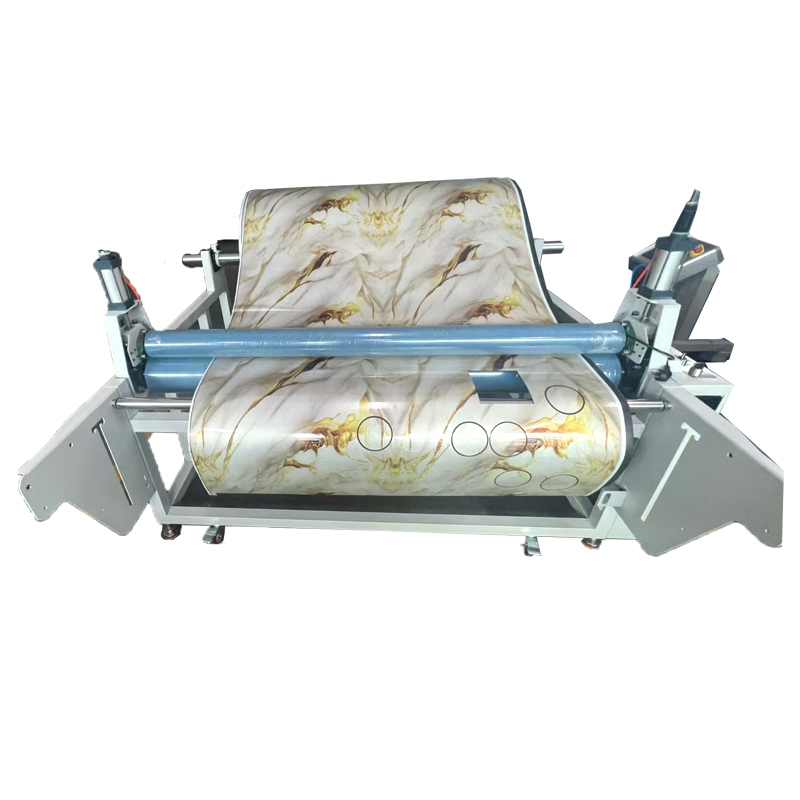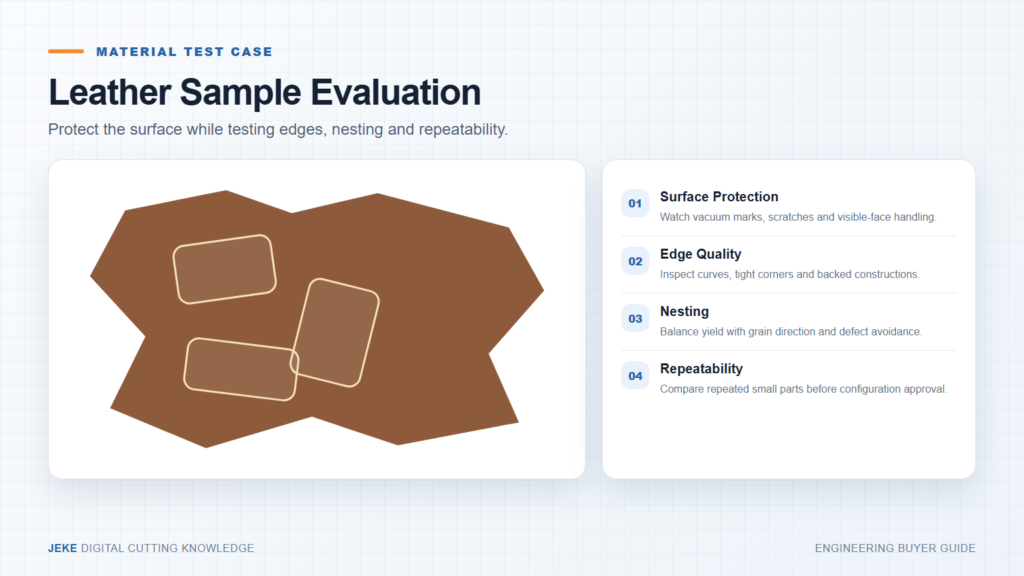
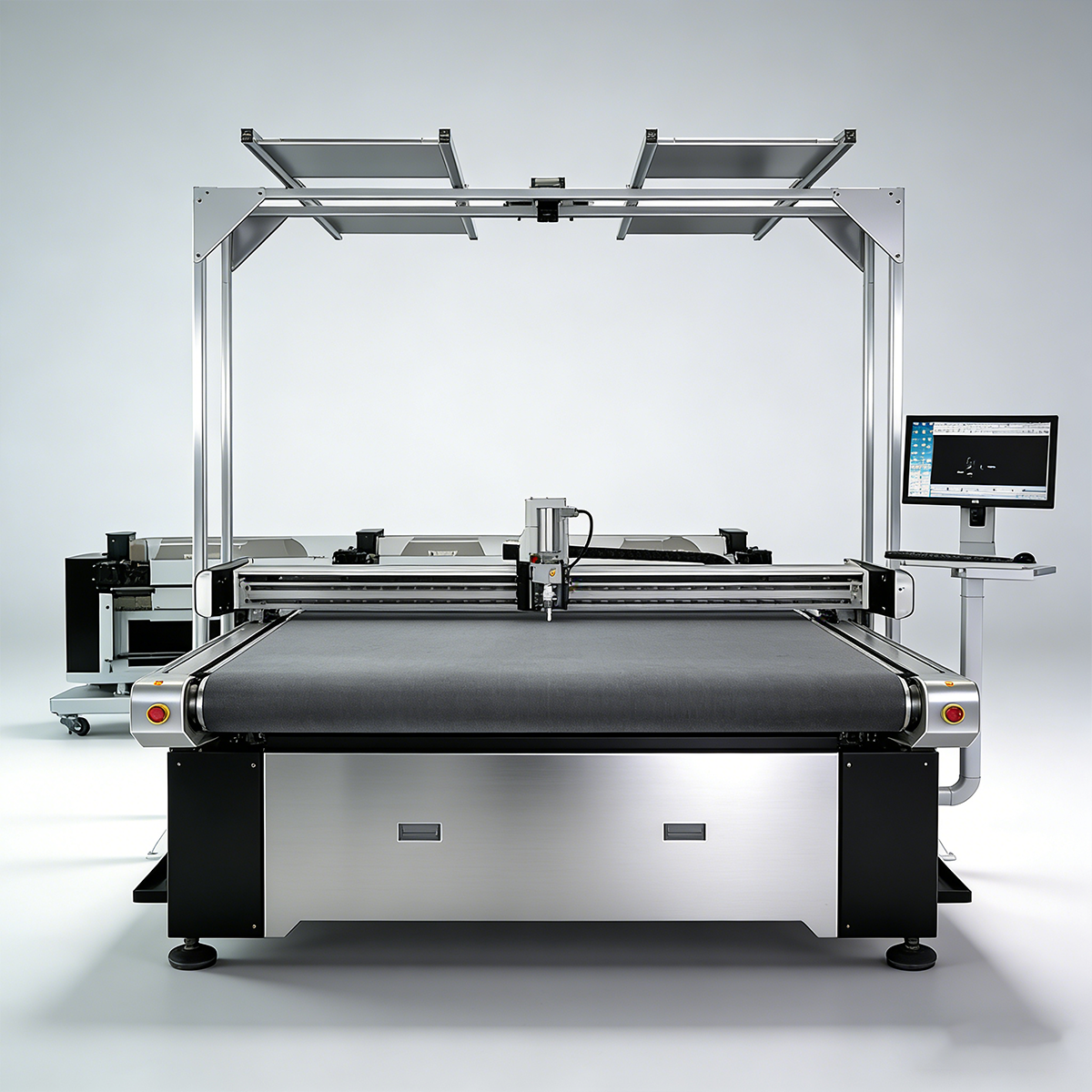
A CCD camera cutting machine is used when the printed pattern and the cutting path cannot be trusted to stay in the same position. In print-and-cut production, the biggest problem is often not the cutting tool itself. The real problem is alignment. Printed fabric can stretch. Labels can shift. Film can be placed slightly off angle. Printed cardboard samples may not match the original digital file after printing and handling.
When the machine cuts only according to the original file, even a small shift can create an uneven border, missed contour, damaged graphic or unusable sample. A CCD camera cutting machine helps solve this by locating the real printed position before cutting. It can recognize registration marks, printed contours or graphic feature points, then adjust the cutting path to match the material on the table.
JEKE already has a detailed article about CCD camera cutting for printed fabric alignment problems. This guide focuses on the buyer decision: when you need CCD camera positioning, what to test, which materials require extra attention and what information to send before asking for a quote.
Quick Answer: When Do You Need a CCD Camera Cutting Machine?
Use this table as a first decision filter.
| Production need | CCD camera value | What to test |
|---|---|---|
| Printed fabric panels | Corrects print-to-cut mismatch | stretch, registration marks and contour accuracy |
| Sublimation sportswear | Follows real printed graphics | fabric distortion and repeatability |
| Labels and patches | Cuts many small printed shapes | recognition accuracy and small details |
| Printed cardboard samples | Aligns cut path with printed layout | print shift and crease/notch position |
| Film, stickers or graphics | Helps contour cutting around printed shapes | contrast, surface reflection and edge quality |
| Unprinted sheet material | Usually less necessary | whether fixed file cutting is enough |
If the material is unprinted and always placed in a fixed position, a standard digital cutter may be enough. If the job depends on matching a printed graphic, registration mark or visual contour, CCD camera positioning becomes much more important.
What the CCD Camera Actually Checks
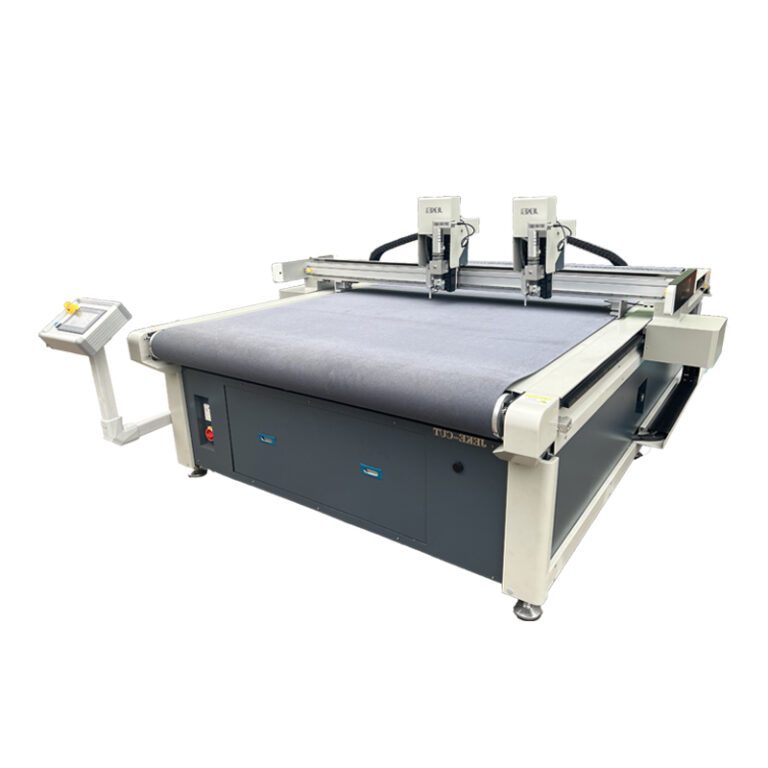
A camera system can be used in different ways. Buyers should not only ask whether the machine has a camera. They should ask what the camera recognizes and how the cutting path is corrected.
Registration marks
Registration marks are printed reference marks that help the machine locate the material position. The camera finds the marks, compares them with the cutting file and adjusts the cutting path.
This method is useful when the artwork includes planned marks and the printing workflow can keep those marks clear.
Printed contour
Some jobs require the camera to recognize the actual printed outline. This is useful when the graphic shape is irregular or when printed fabric has shifted from the original file.
Contour recognition depends on print contrast, edge clarity, lighting and software recognition quality.
Graphic feature points
In some workflows, the camera may use visible graphic points rather than simple corner marks. This can help when a print does not have standard registration marks or when the cutting shape must follow a visible design.
Material position and skew
Even when the print is accurate, the material may be placed at an angle on the table. A CCD camera cutting machine can help correct skew before cutting, reducing manual alignment time.
For a broader explanation of camera positioning workflows, review JEKE’s camera positioning cutting machine guide.
Printed Fabric vs Labels vs Cardboard: Different Risks
Printed materials do not all fail in the same way. The right test depends on the material and the final product.
Printed fabric and sublimation panels
Printed fabric can stretch, shrink or deform during printing, transfer, handling or cutting. The cutting file may be correct, but the real printed pattern may not sit exactly where the file expects.
For printed fabric, check:
- fabric stretch before cutting
- registration mark visibility
- contour accuracy after camera recognition
- edge quality with knife cutting
- repeatability across several printed pieces
- whether the material moves under vacuum holding
If you cut apparel fabric as well as printed panels, compare this workflow with JEKE’s CNC fabric cutting machine guide.
Labels, patches and small graphics
Labels and patches often include many small shapes in one sheet. The camera must recognize marks or contours consistently. Small errors become more visible because the parts are small.
For this type of work, buyers should test:
- smallest graphic size
- spacing between pieces
- corner and curve accuracy
- whether the camera can handle repeated small designs
- whether cutting speed remains practical
Printed cardboard and packaging samples
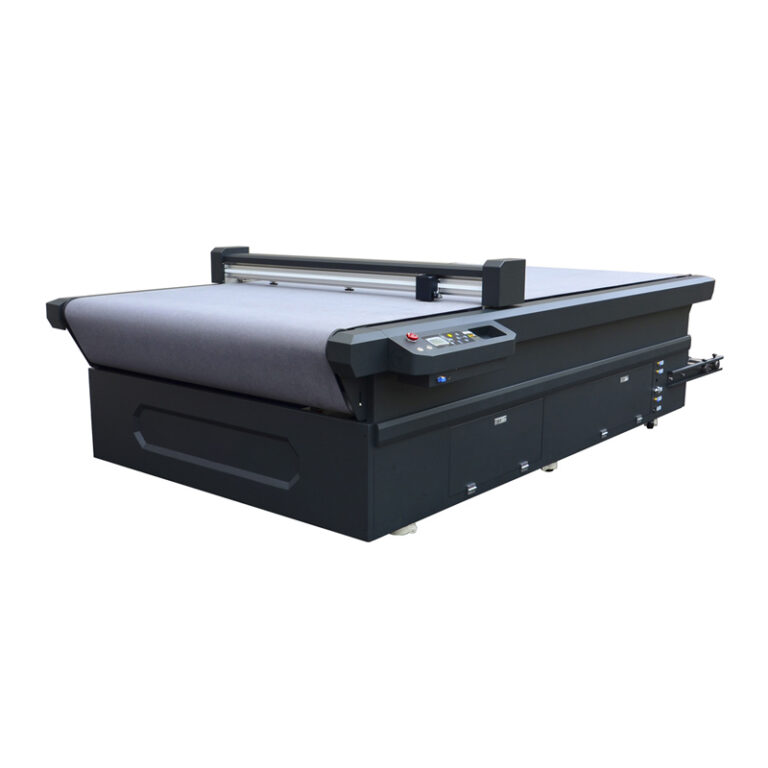
Printed cardboard samples may need contour cutting, creasing, notching or sample shape testing. If the printed layout shifts, the cutting and creasing lines may not match the artwork.
For printed cardboard, check whether the workflow can align the printed design with cut lines, crease lines and positioning details.
Relevant JEKE packaging context can also be found in the digital die cutter article, especially for short-run packaging samples.
Film and flexible printed sheets
Film, stickers and flexible printed sheets may have surface reflection or low contrast. These factors can affect camera recognition. The buyer should test the real surface finish, not only a matte paper sample.
Knife Cutting or Laser Cutting?
Many buyers compare CCD knife cutting and CCD laser cutting. The right choice depends on material behavior and edge requirements.
Laser cutting can be useful for some printed textiles, labels or patches, especially when sealed edges are required. But laser is not always the best answer. Some materials are sensitive to heat, smoke, discoloration or odor. Some printed surfaces may require a cold cutting process.
CNC knife cutting is useful when the buyer wants to avoid heat effect or when the material is better handled by an oscillating knife, drag knife or other digital cutting tool.
If you are still comparing cutting methods, review JEKE’s oscillating knife cutter vs laser cutter guide.
Machine Configuration Points to Check
The camera is only one part of the system. A good print-and-cut setup also depends on the cutting platform, tool, software, material holding and file workflow.
Camera recognition method
Ask whether the system recognizes registration marks, contours, feature points or a combination of them. Also ask what happens when the printed surface has glare, low contrast or partial distortion.
Cutting tool and material thickness
Printed fabric, film, cardboard, labels and flexible sheets may need different tools. A thin printed film and a thick printed cardboard sample should not be judged by the same cutting test.
Working area and camera coverage
The working area should match the largest printed sheet or roll section. Camera coverage should also match the real material size. A small recognition area may be enough for labels but not for larger printed fabric panels.
For product configuration, review the JK-1612 Film Cutting Machine page as one JEKE direction for printed material and flexible sheet cutting.
Flatbed or conveyor workflow
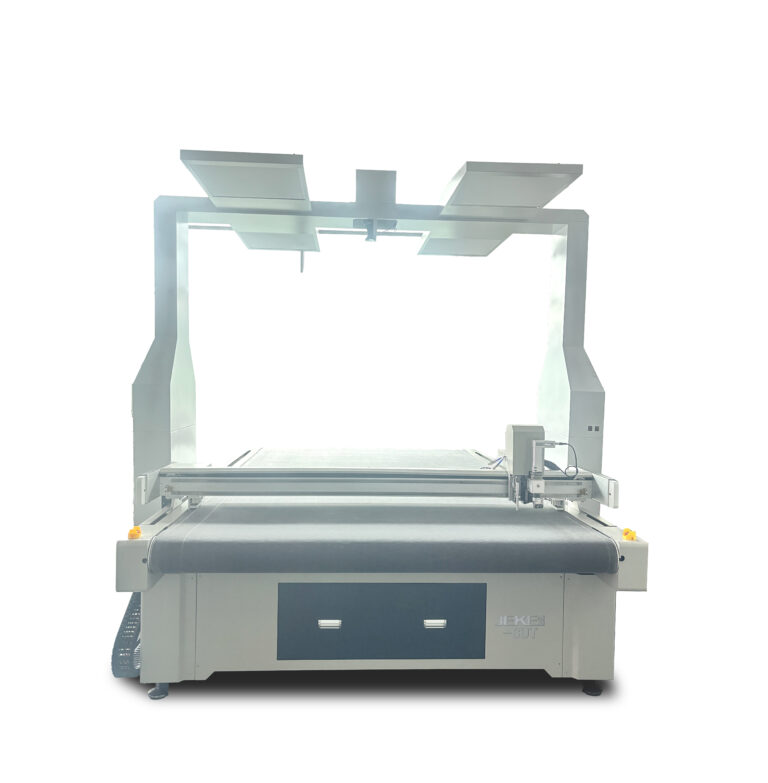
A flatbed workflow can be suitable for sheets, samples and short runs. A conveyor workflow may be useful when the material is processed from a roll or when repeated printed pieces need continuous feeding.
The buyer should decide based on material format, production quantity and how often the artwork changes.
Lighting, contrast and print quality
Camera recognition depends on visibility. Poor lighting, glossy surfaces, low contrast graphics, dirty marks or distorted prints can reduce recognition quality.
Before confirming a machine, test with the real printed material and the real artwork file.
Three Practical Buyer Scenarios
Scenario 1: Printed sportswear or fabric panel producer
A producer of sublimation panels may need to cut many printed shapes after heat transfer. The print may stretch slightly, so the cutting file alone may not be reliable.
For this scenario, test several panels from the real printing process. Check whether the border remains even and whether left/right or repeated panels stay consistent.
Scenario 2: Label, patch or advertising graphics shop
A label or patch shop may cut many small printed graphics from one sheet. The challenge is recognition accuracy and repeated small-part cutting.
For this scenario, send a sample sheet with real spacing, real print contrast and the smallest shape you expect to cut.
Scenario 3: Packaging sample room with printed cardboard
A packaging sample room may need to cut printed cardboard samples where printed artwork, cut lines and creasing positions must align.
For this scenario, test printed cardboard with the actual artwork and structural file. Do not test only blank cardboard, because blank material does not show alignment risk.
Quote Checklist Before You Contact JEKE
To get a useful recommendation, prepare practical production information.
Send:
- material type: printed fabric, label, patch, film, cardboard or other sheet material
- material thickness
- sheet, roll or piece format
- largest printed area
- smallest shape or detail
- print method and surface finish
- whether you use registration marks
- sample artwork and cutting file
- acceptable cutting tolerance
- expected daily output
- current alignment problem
For a reliable test, send both the printed sample and the cutting file. If only one side is provided, the supplier cannot properly judge print-to-cut alignment.
JEKE Recommendation
JEKE recommends selecting a CCD camera cutting machine by recognition task, material and workflow.
If your job is printed fabric, test stretch, contour accuracy and material holding. If your job is labels or patches, test small shapes and repeated recognition. If your job is printed cardboard, test both cut lines and crease or notch alignment. If your job is film or glossy material, test camera recognition under real surface conditions.
For broader machine comparison, review JEKE’s Digital Cutting Machine category. For a practical quote, send printed samples, cut files, registration mark details and production requirements through the JEKE contact page.
FAQ
Does CCD camera cutting replace manual alignment?
It can reduce manual alignment work, but the result still depends on print quality, registration marks, material holding and correct file preparation.
Is CCD camera cutting only for fabric?
No. It can also be used for labels, patches, printed film, cardboard samples, advertising graphics and other printed flexible materials.
Do I need registration marks?
Registration marks are useful when the workflow supports them. Some systems may also recognize printed contours or feature points, but this must be tested with the real artwork.
Is knife cutting better than laser for printed fabric?
It depends on the material and edge requirement. Knife cutting is a cold cutting method and can be practical when heat effect, smoke or discoloration is a concern.
What files should I prepare?
Prepare the artwork, cutting file, registration mark layout and material sample. If possible, send several printed pieces from normal production.
What causes poor camera recognition?
Common causes include low contrast, glossy reflection, dirty marks, print distortion, unclear contours, poor lighting and unstable material holding.
Conclusion
A CCD camera cutting machine is valuable when printed material alignment matters. It helps the cutting path follow the real printed position instead of assuming the material perfectly matches the original file.
Before buying, test the real printed sample, the real cutting file and the real production tolerance. The best configuration depends on recognition method, material type, working area, tool choice and how your print-and-cut workflow actually runs.